
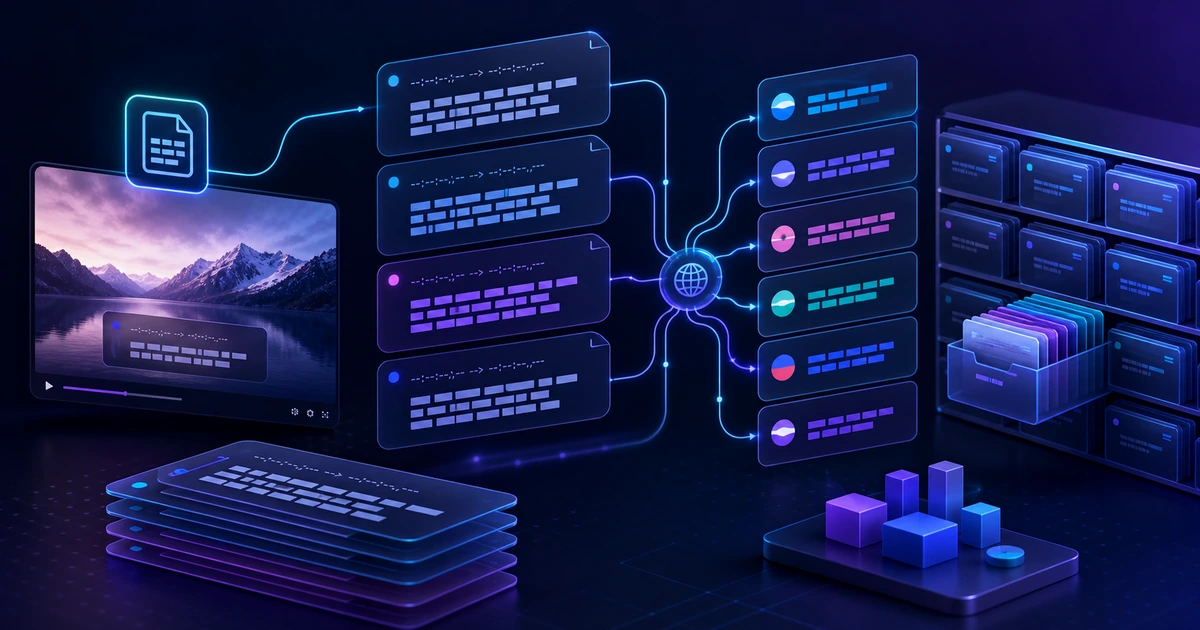
Video Localization Starts Before Rendering
One of the easiest mistakes in multilingual video production is burning subtitles into the video too early. Once captions are baked into the final file, even a one-line correction or a new language version can require another edit and another render.
If you keep subtitle files such as SRT or VTT as separate assets, the workflow becomes much easier to control.
- You can translate the text while keeping timecodes in place.
- Reviewers can check captions without re-uploading the video.
- The translated file can be reused for subtitle burning, new video projects, or short-form edits.
- Terminology and brand phrases can be standardized before final rendering.
In other words, a subtitle file is not a sidecar afterthought. It is the source asset for video localization.
Create Another Subtitle Asset, Not Another Video From Scratch
Imagine expanding a Korean video into English, Japanese, and Spanish. Rebuilding the whole video for every language is slow, expensive, and hard to review.
A more stable workflow separates the work into stages.
| Stage | Output | What to Review |
|---|---|---|
| Create source subtitles | SRT/VTT | Timing, line breaks, sentence length |
| Translate subtitles | Language-specific SRT/VTT | Meaning, terms, tone |
| Review translations | Approved subtitle files | Brand names, numbers, proper nouns |
| Apply to video | Final video or new project | Readability and style |
This separation keeps video editing and language review from blocking each other. Translators can work on subtitle files; creators can apply the approved files later.
What VMAI's Subtitle Translator Handles
VMAI's AI Subtitle Translator is a standalone tool for turning an SRT or VTT file into a translated subtitle file. The current UI flow supports these steps:
- Upload an SRT or VTT file.
- Choose a target language.
- Keep or remove original formatting.
- Add content context, such as the genre or subject area.
- Add glossary entries for words that need exact translations.
- Download or edit the translated result after completion.
The key point is that this is not a “rerender the whole video” tool. It is a safe place to translate and review the subtitle asset before using it in Subtitle Burner or another subtitle-based video workflow.
Why Timecode Preservation Matters
Subtitle translation is not only about changing words. Timing often matters just as much.
If a line appears at 00:01:12 in the source video, the translated line should still appear at the same moment so viewers can connect the narration, visuals, and caption. If timing drifts, scene cuts, transitions, and emphasis can feel off. In short-form video, even a few seconds can be noticeable.
A safer localization flow looks like this:
- Clean up the source SRT/VTT file first.
- Translate text while keeping timecodes unchanged.
- Shorten translated lines when they become too long.
- Preview the final subtitles with the video before publishing.
The translator page's own tips emphasize short subtitles, technical-term review, and keeping the same timecodes as the original. These are practical quality rules, not just interface copy.
Prepare Terminology Before Translation
AI translation is fast, but product names, lesson terms, and brand phrases should remain consistent. For educational videos, product demos, gaming commentary, or any domain with specialized language, a small glossary can save a lot of cleanup time.
For example:
| Source Term | Preferred Translation |
|---|---|
| creator workflow | creator workflow |
| subtitle burner | Subtitle Burner |
| 이용권 | Credits |
VMAI's advanced settings include both content context and glossary entries. Used together, they help steer translations closer to the way you want the finished captions to read.
Recommended Workflow
For creators or teams that produce multilingual captions regularly, use this as a baseline workflow:
- Create source subtitles from the video or audio.
- Save the SRT/VTT file and keep the original version.
- Use VMAI Subtitle Translator to create language-specific files.
- Review terminology, numbers, and brand names first.
- Apply the subtitles to the video and check line length and readability.
- Store the approved subtitle files with the project assets.
This is especially useful when one video needs several language versions. You can keep the same source video and swap subtitle files by language.
What to Review Carefully
Do not publish AI-translated subtitles without review. Pay extra attention to:
- Numbers, dates, prices, and proper nouns.
- Legal, medical, or financial wording.
- Brand tone and formality.
- Lines that are too long for the screen.
- Awkward meaning caused by line breaks.
Subtitles are read while the viewer is also watching the video. Even a correct translation can hurt the viewing experience if it is too long.
Next Steps
Treat subtitles as reusable production assets, not just decoration at the end of the edit. Multilingual expansion becomes much lighter when the subtitle file stays editable.
- Open the AI Subtitle Translator to translate SRT/VTT files.
- Use the Subtitle Generator when you need subtitles from an audio or video file first.
- Use Subtitle Burner when you are ready to burn approved captions into a video.
Localization is not something you attach after rendering. It is a workflow choice that makes each video useful for longer.
Enjoyed this article?
Subscribe to get notified when we publish new posts. No spam, unsubscribe anytime.
Related Articles
Your AI Video Isn't Too Long. Its Scenes Are Repeating Themselves
If trimming seconds does not fix a slow AI video, look for repeated explanations, visuals, and emotional beats. Give every scene one distinct job before cutting useful detail.
The Video Ending Mistake That Wastes a Good AI Video
A polished AI video can still end without giving viewers a clear next step. Design the video ending around one outcome, one call to action, and one trust cue before you render.
Why AI Videos Look Like Random Stock Footage
Even relevant visuals can feel random when color, framing, subjects, and motion change without a rule. Use a simple video style guide to make an AI video feel like one story before rendering.
Comments
Please login to leave a comment
LoginNo comments yet. Be the first to comment!